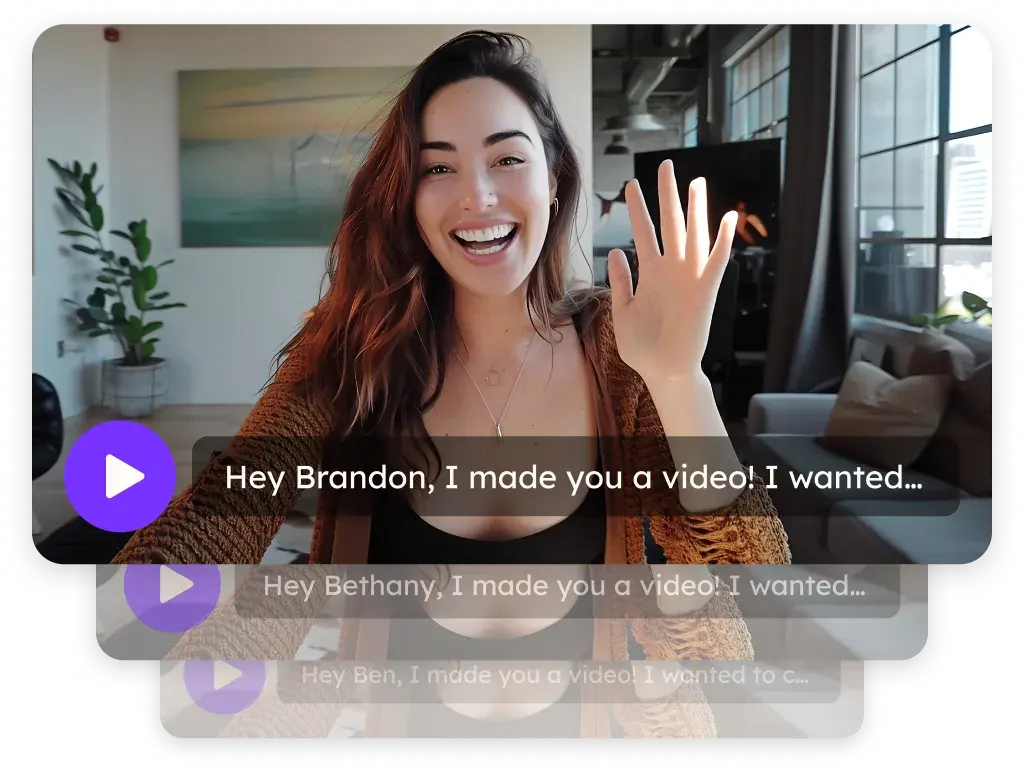
Sendspark Mailchimp integration for personalized video emails
Paste your Sendspark video into a Mailchimp email with a Code block, and each recipient's thumbnail fills in from their Mailchimp merge fields. It's built for marketing teams sending newsletters and campaigns to Mailchimp audiences. Sendspark, an AI personalized video platform, records once and personalizes the video for every recipient.
 SOC 2 Type II
- Read reviews on G2


Sendspark and Mailchimp at a glance
- Integration type
- Share snippet
- How data moves
- You paste Sendspark's Mailchimp code into a Code block in your Mailchimp email. Mailchimp fills in each recipient's merge tag at send time; nothing syncs back, and views are tracked in Sendspark.
- What you need
- A Mailchimp account with campaign creation access, and a Sendspark video or a dynamic video campaign with processed videos.
- Setup guides
- On Mailchimp's side
- Sendspark on Zapier (with Mailchimp)
Your newsletter gets opened, skimmed and closed
Long text emails take hours to write and seconds to ignore. Video would hold attention, but most inboxes won't play it and a link to a video site feels impersonal, so the plain-text format wins by default.
How to use Sendspark with Mailchimp
- 1
Start a Regular email in Mailchimp
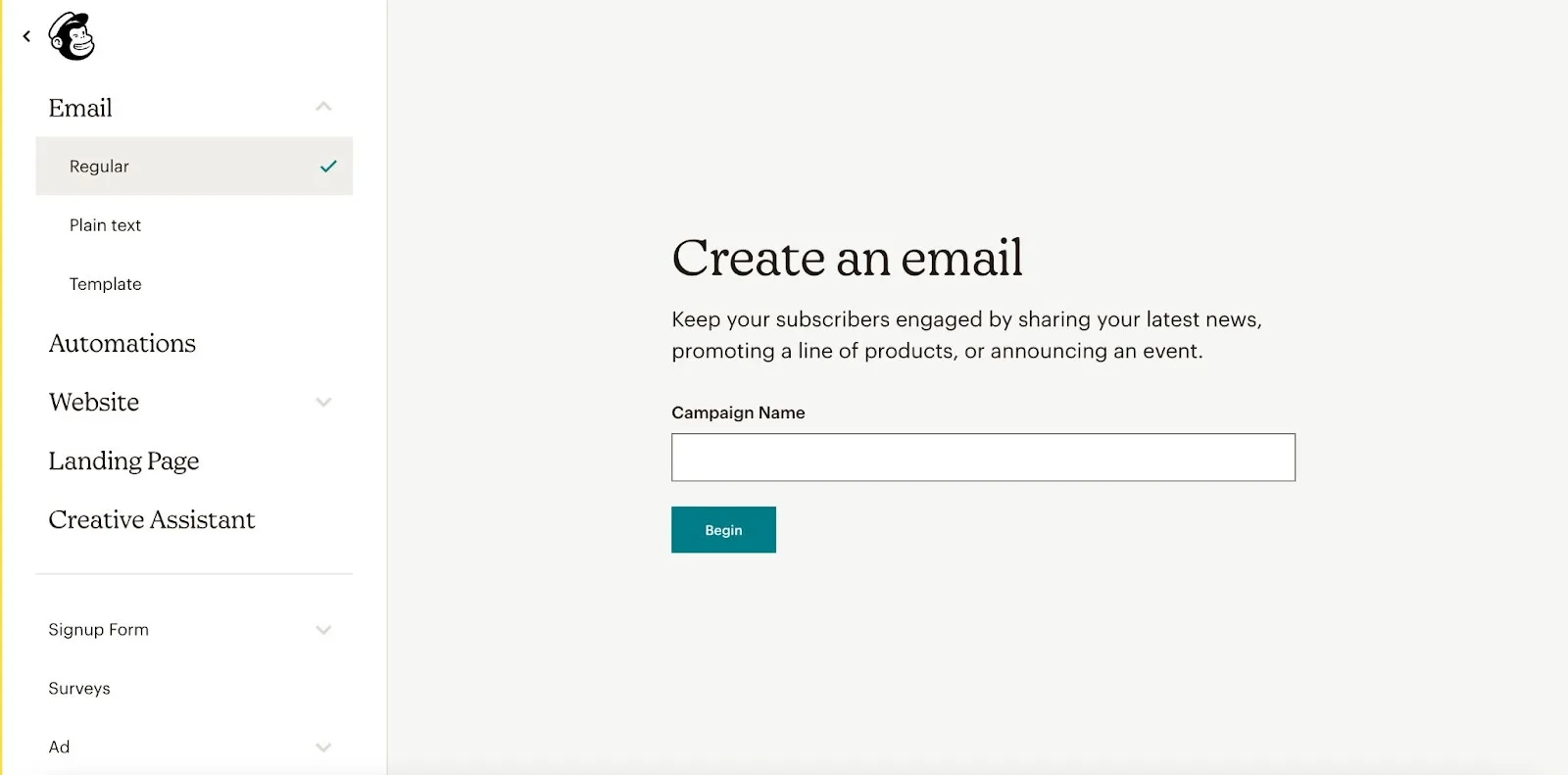
From the left-hand menu, create a new email, choose Email and then Regular or Template, and attach it to a campaign if Mailchimp asks.
- 2
Copy Sendspark's Mailchimp code
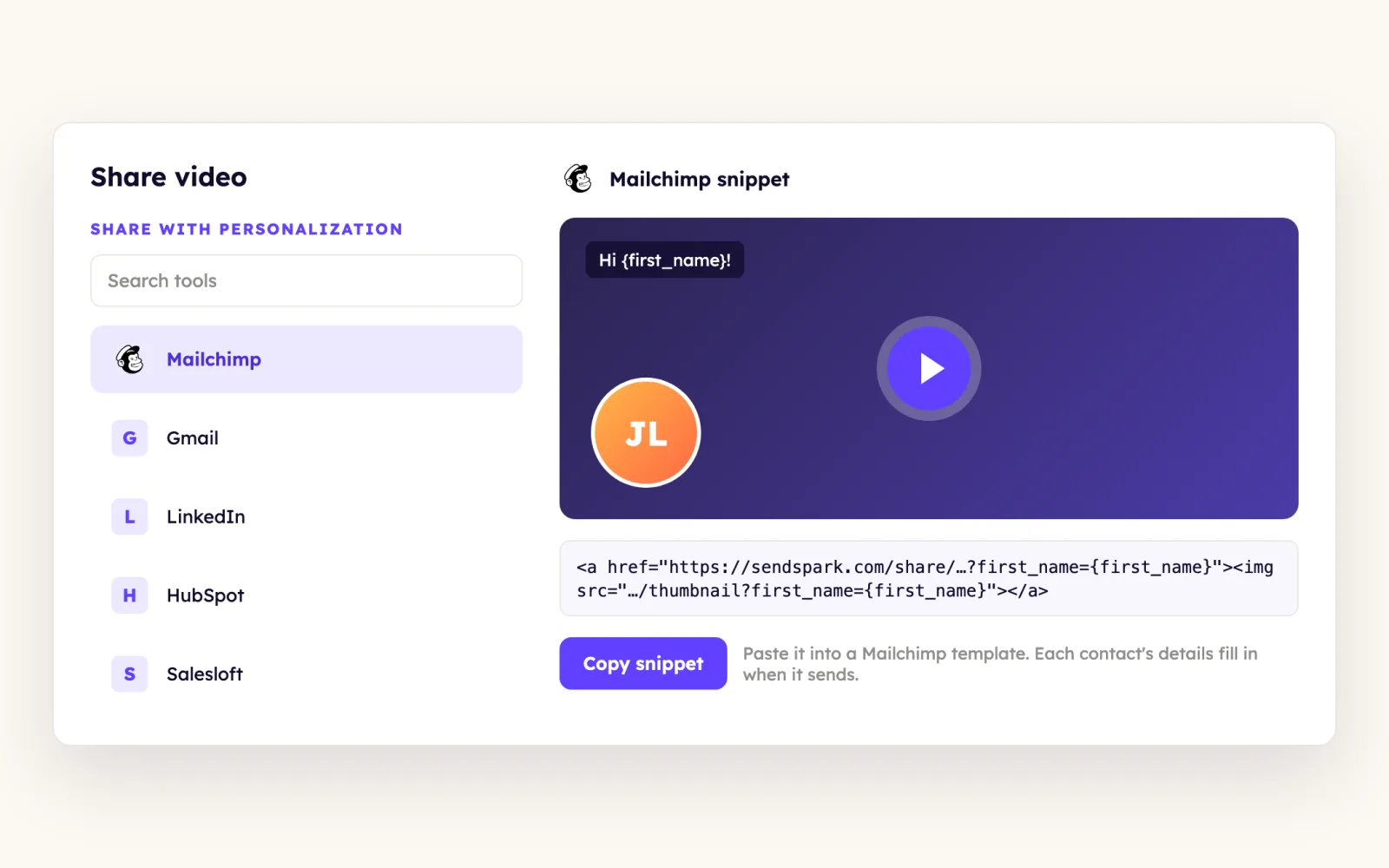
For a dynamic campaign, click Share Campaign into MailChimp and select Mailchimp. For a single video, click Share Video and pick Mailchimp; if it isn't listed, click Edit/Add to change your share shortcuts.
- 3
Paste it into a Code block
In Design Email, drag a Code block into the layout, click its pencil icon and paste into the panel on the right, then Save & Close. A thumbnail that looks like a video player means it worked.
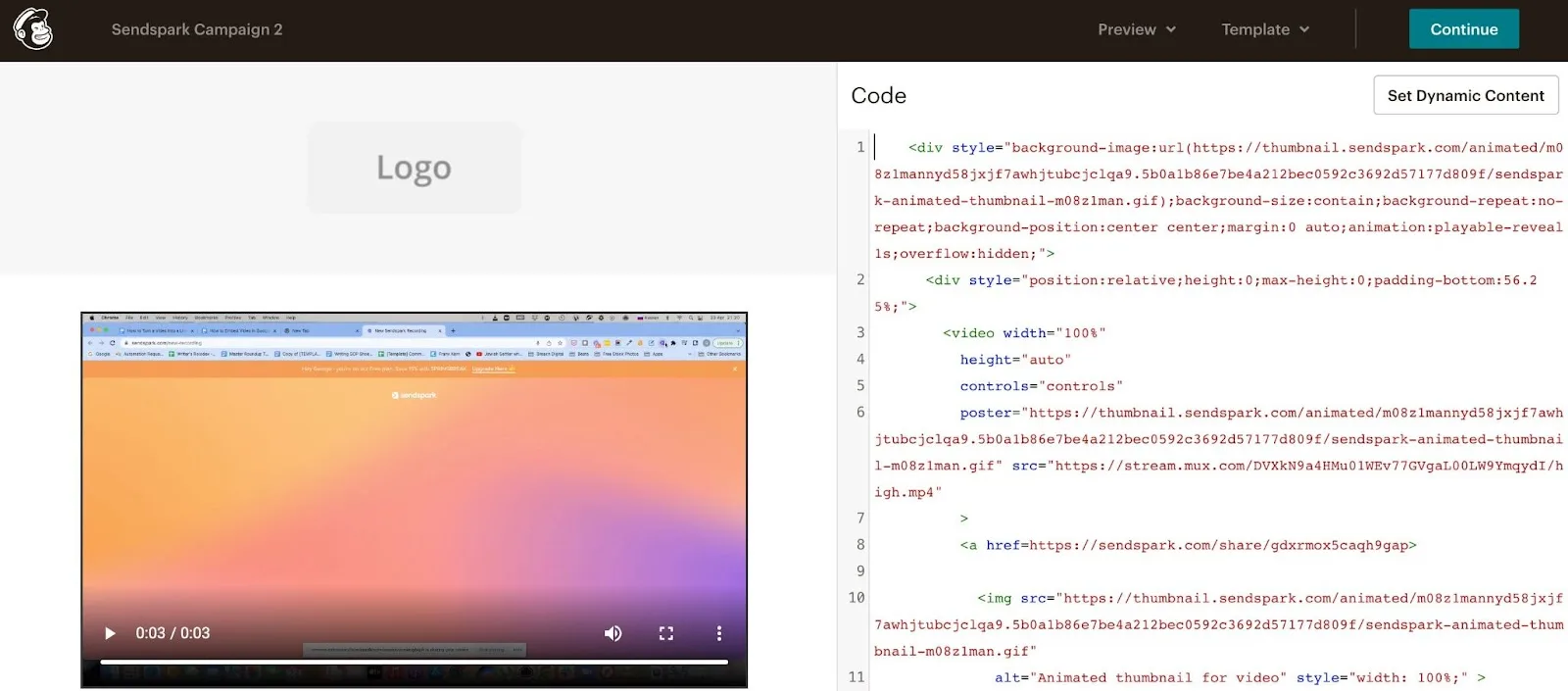
- 4
Send yourself a test
Mailchimp's editor shows only the main placeholder, not each personalized background. Click Send a test email, enter your address and click Send test to see the real result.
What teams do with Sendspark and Mailchimp
Every contact in a Mailchimp audience gets their own dynamic video
Upload your contact CSV to a Sendspark dynamic video campaign and check that the videos have processed; click any contact to preview theirs. Paste the Mailchimp code into a Code block, and each recipient sees the background and name from their own row.
Read the guideWhat Mailchimp data personalizes each video
- Sendspark's Mailchimp code uses Mailchimp's *|FNAME|* merge tag inside the thumbnail and link URLs, so Mailchimp inserts each first name when the campaign sends.
- Title, message and thumbnail text on the video page accept merge tags, with a fallback for subscribers whose name is missing.
- Sendspark videos never autoplay. Where the inbox supports video it plays in the email; elsewhere an animated GIF preview opens the video in the browser.
- The single-video help article also accepts an HTML block in place of the Code block.
Where you see who watched from Mailchimp
Sendspark video analytics and Team Insights show which Mailchimp recipients watched and clicked.
Explore Video AnalyticsSendspark and Mailchimp: frequently asked questions
Does Sendspark integrate with Mailchimp?
Yes. Sendspark generates Mailchimp-specific code that you paste into a Code block in a Mailchimp email. It's a share snippet: audiences don't sync, and video views are tracked in Sendspark.
Why does the Mailchimp editor show the same video for everyone?
That's normal. The editor can't render each dynamic version, so it shows the main placeholder. Use Send a test email to see the personalized video in a real inbox.
Which merge tag does the Sendspark code use in Mailchimp?
*|FNAME|*, Mailchimp's first-name merge tag. Keep the FNAME field filled in your audience, or recipients will see the fallback you set in Sendspark.
Updated



Make your next outreach personal.
Record one video and let Sendspark do the rest.