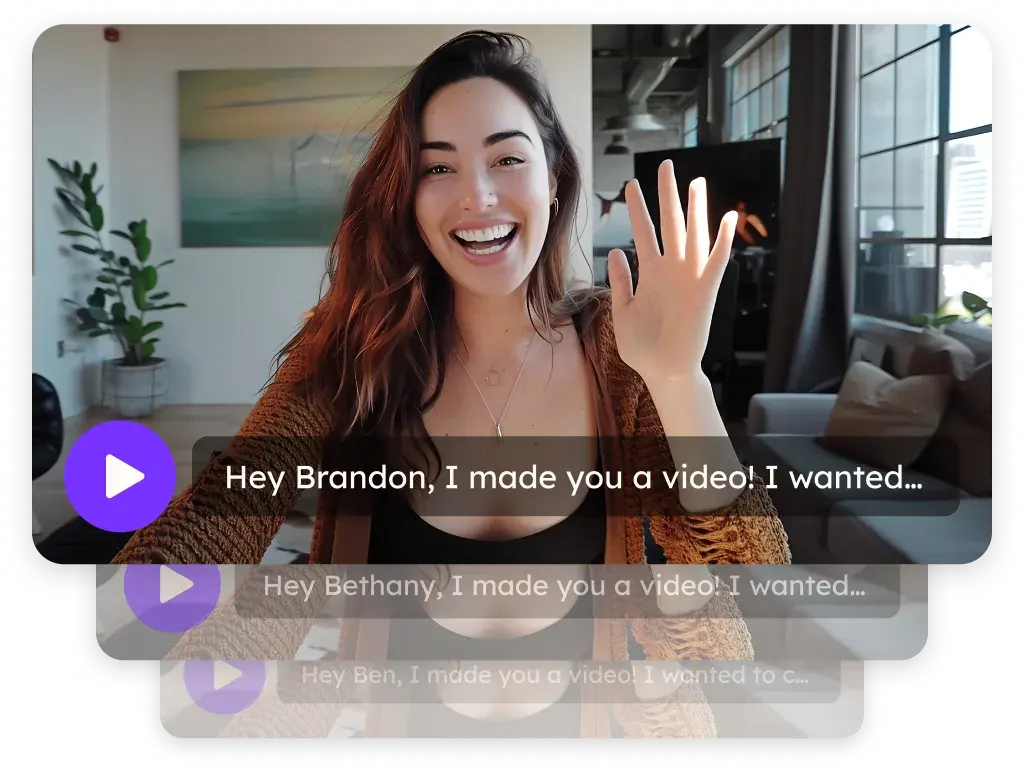
Camera effects for sales video recording
Blur your background, swap in a virtual background or turn on appearance touch-up while you record. The effects are built into the Sendspark recorder, so every video you make on the AI personalized video platform looks polished wherever you are.
 SOC 2 Type II
- Read reviews on G2
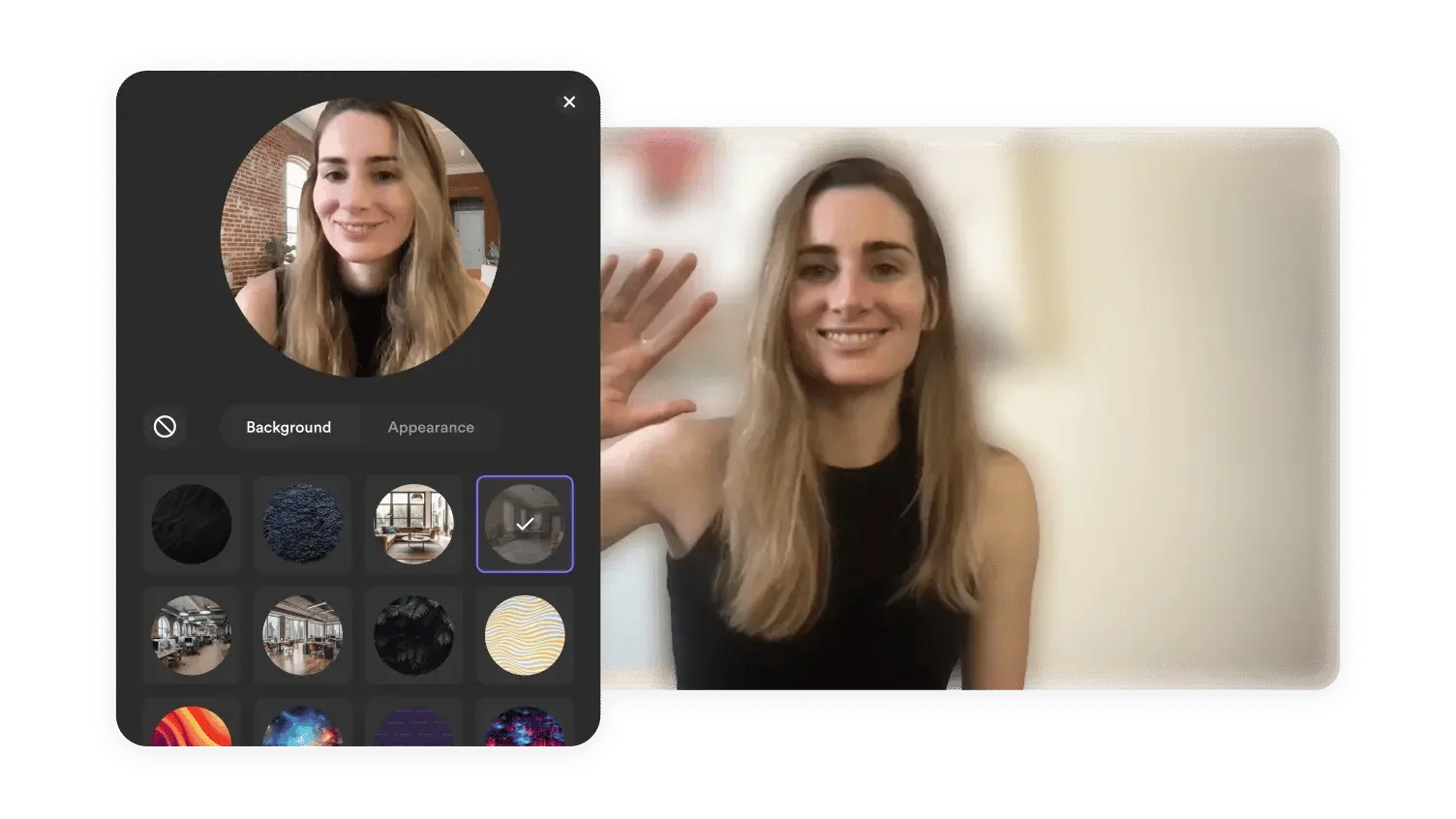
Messy room? Blur it.
Background blur keeps the focus on you, whether you record from a home office, a hotel room or the kitchen table.
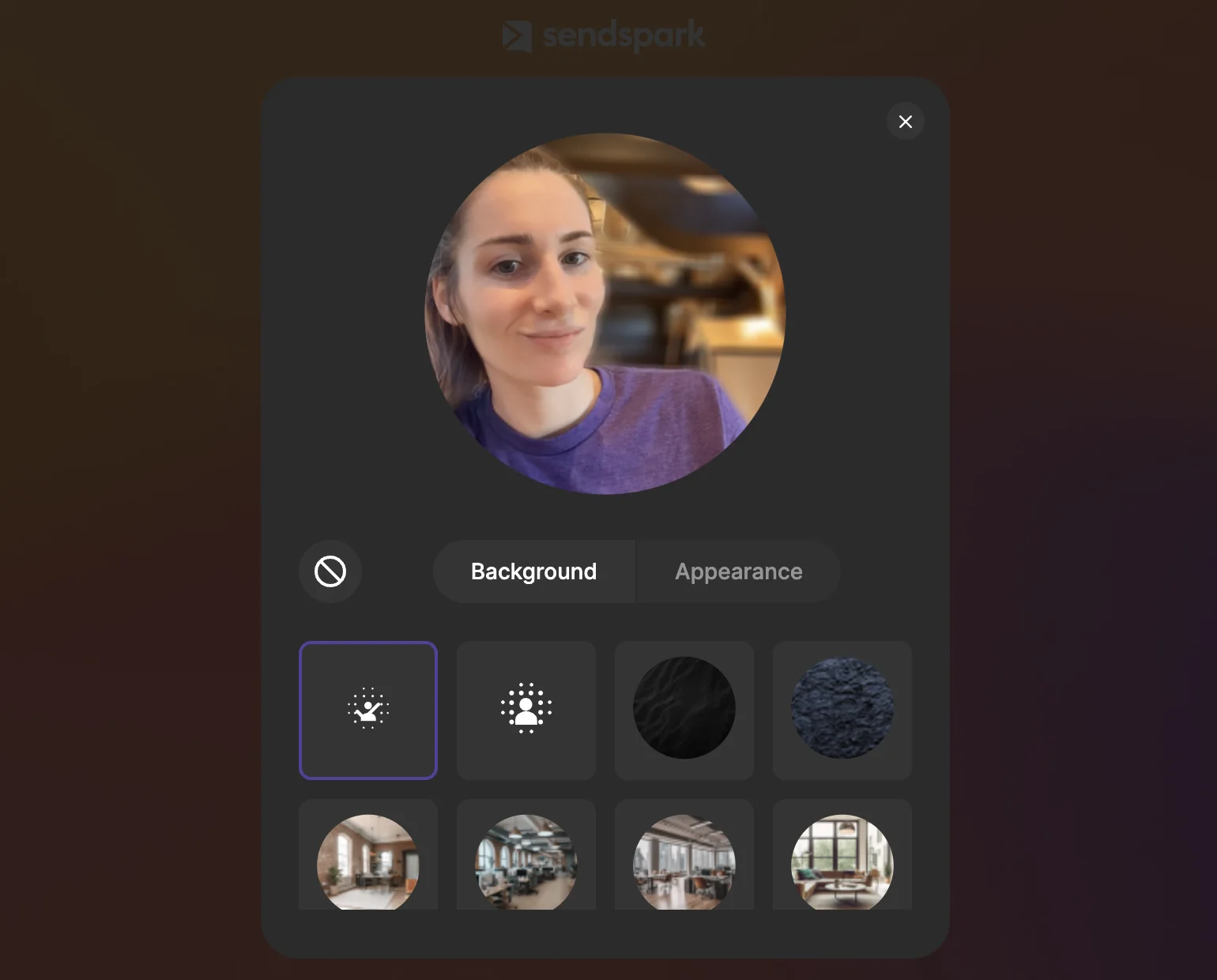
Home office doesn't look the part? Swap the background.
Replace your room with a virtual background so every rep on the team records with the same clean look.
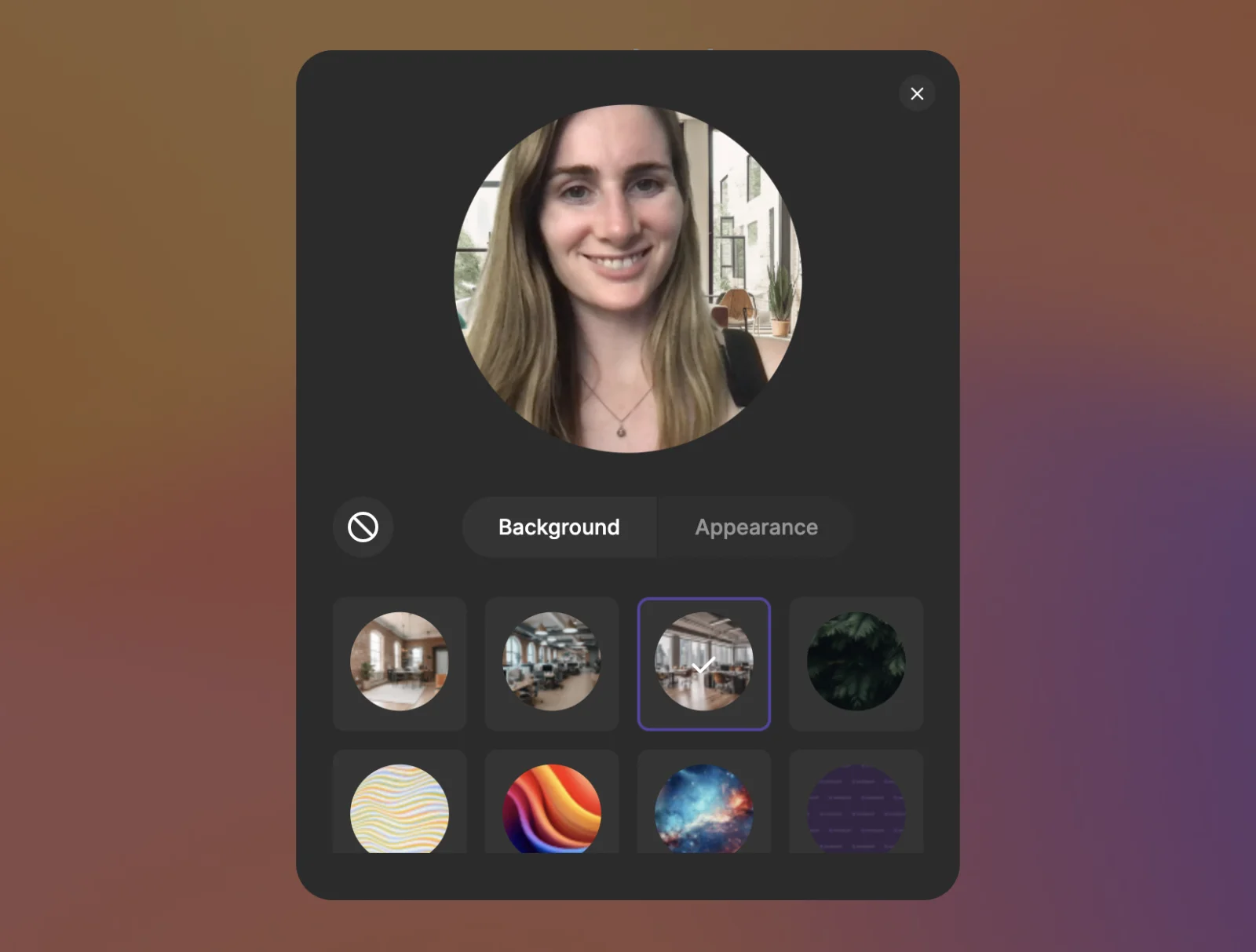
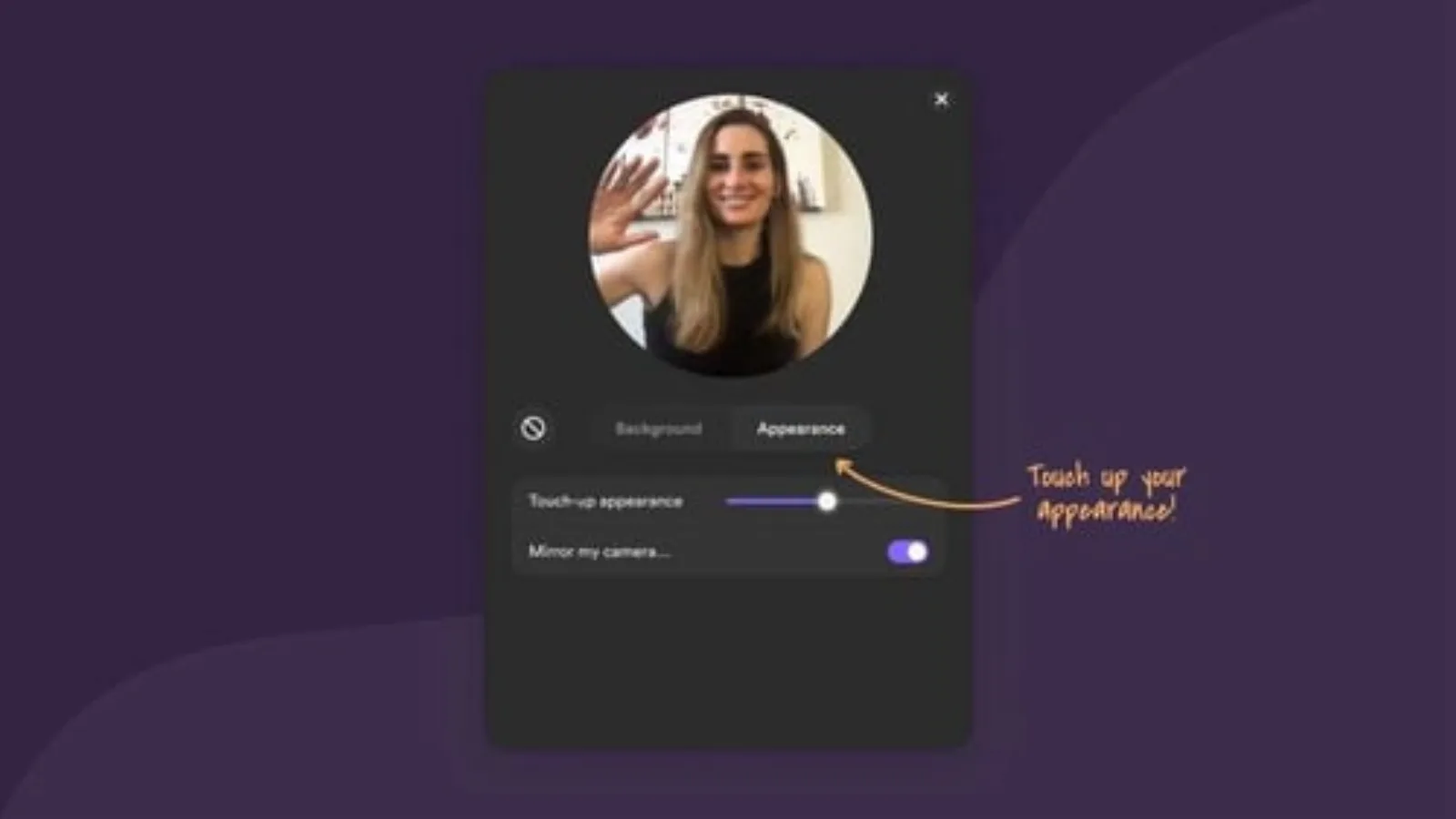
Tired? Turn on touch-up.
Appearance touch-up smooths the camera image while you record, so you look rested on the third take as well as the first.
How it works
- 1
Open the recorder
From the Chrome extension or the desktop app.
- 2
Pick your effects
Turn on blur, choose a virtual background or enable touch-up.
- 3
Record
Effects apply live, so what you see is what the viewer gets.
 Chrome extension
 Mac app
 Windows app
Goes well with
Frequently asked questions
Which camera effects does Sendspark have?
Background blur, virtual backgrounds and appearance touch-up.
Do effects apply while I record or afterward?
While you record. You see the effect live in the recorder.
Can I use my own virtual background?
Yes. Upload your own image and use it as your virtual background.
Do camera effects work with AI personalized video?
Yes. Record your base video with effects on, then personalize it for each prospect.
Updated
Make your next outreach personal.
Record one video and let Sendspark do the rest.