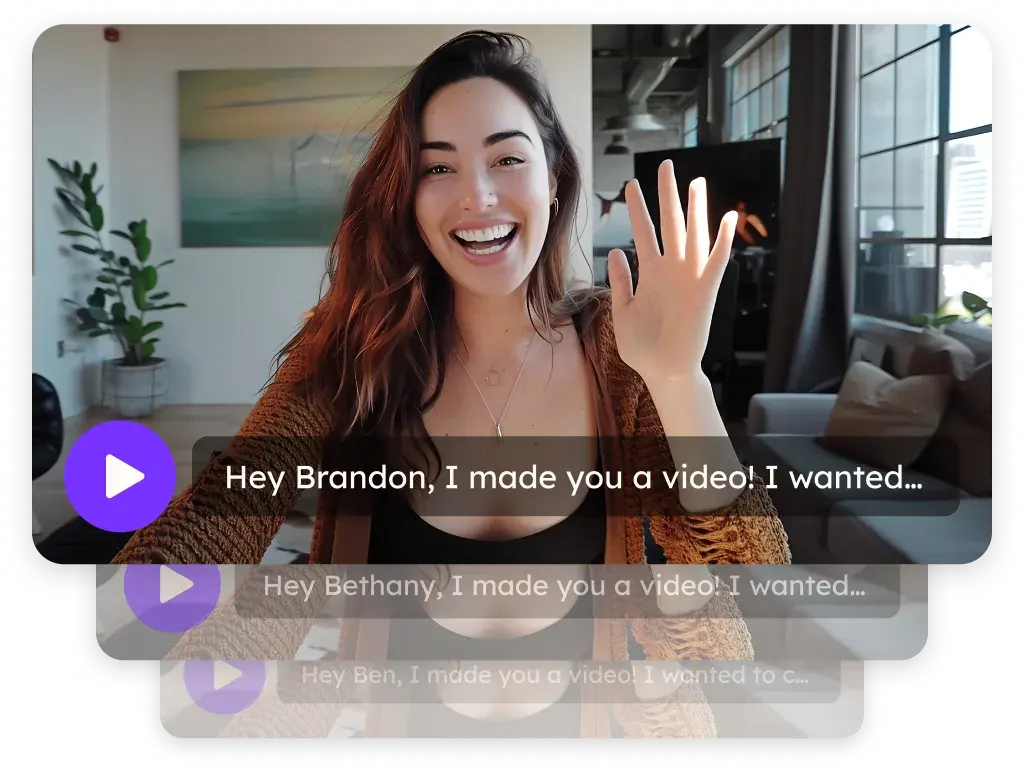
Screen and webcam recorder for sales videos
Record your screen, your camera or both from the Chrome extension or the desktop app for Mac and Windows. Capture up to 1080p, trim, add captions and share with a link. Sales, marketing and customer teams use it for demos, follow-ups and quick replies, and it's the same recorder you use for Sendspark's AI personalized video.
 SOC 2 Type II
- Read reviews on G2
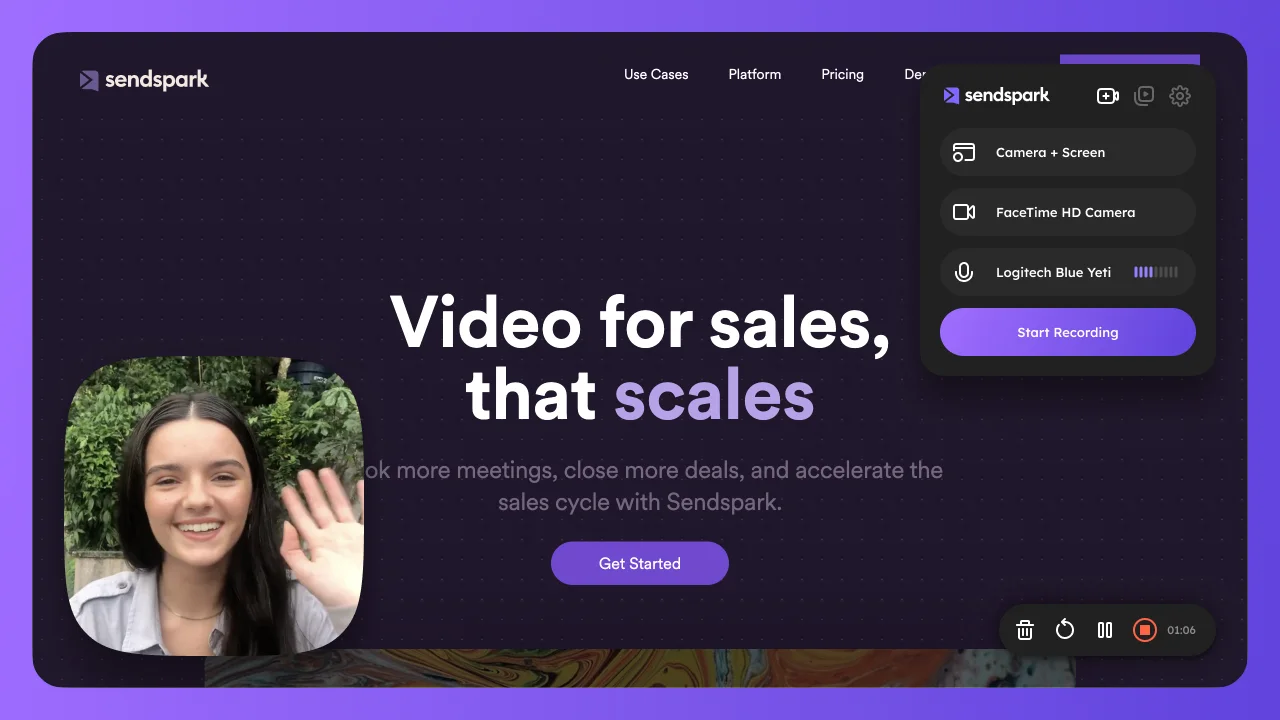
Recording shouldn't mean switching apps
Use the Chrome extension or the desktop app for Mac and Windows. Capture your screen, your camera or both, up to 1080p, or upload a video you already have.
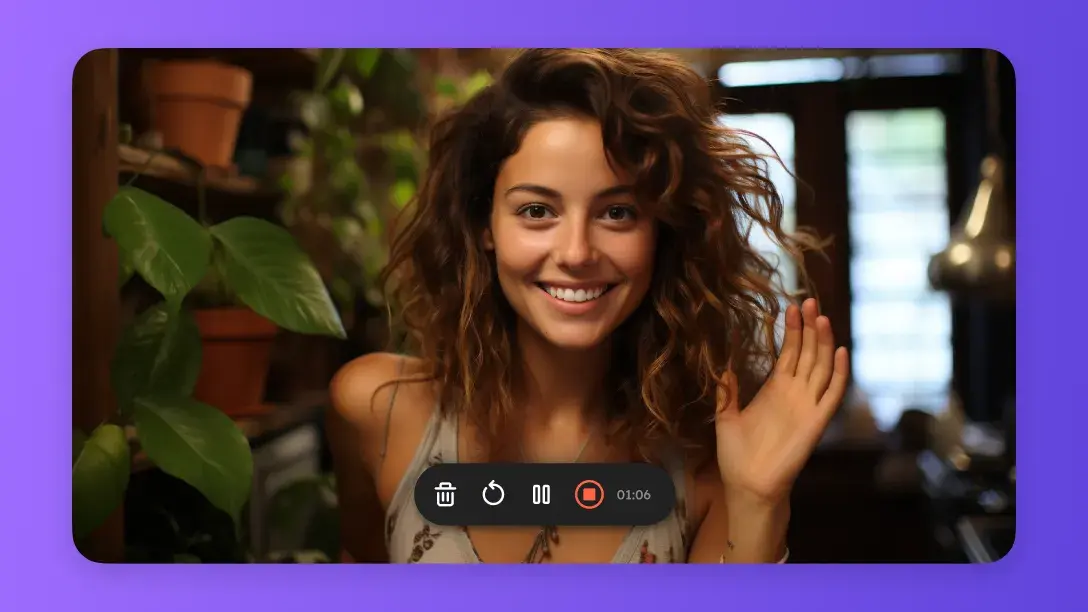
Walk them through it so they don't get lost
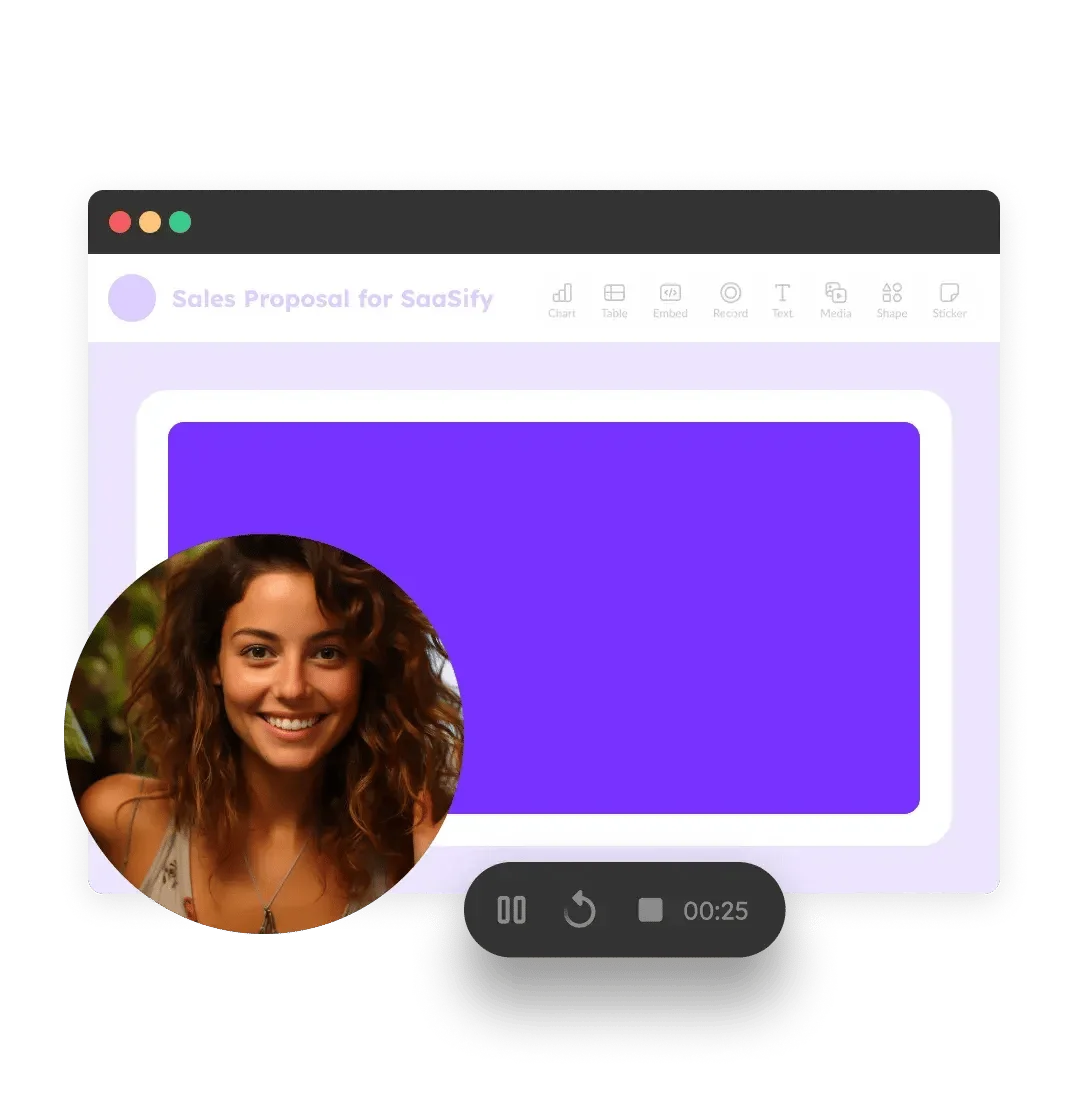
Turn on the camera spotlight, draw on the screen to point things out, and record with a toolbar that carries your brand.
Fix the mistake without starting over
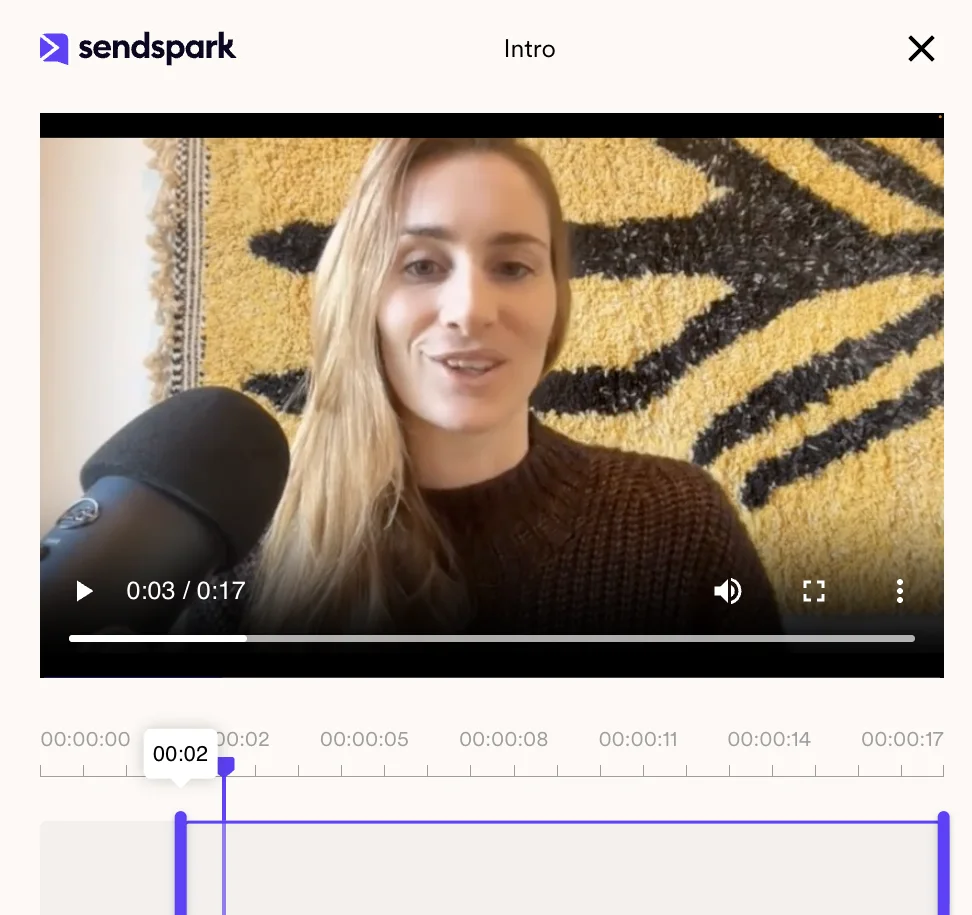
Trim the start and end, cut out several segments in the middle, and combine videos, for example by adding a recorded intro to a longer demo.
Reach viewers who watch with the sound off
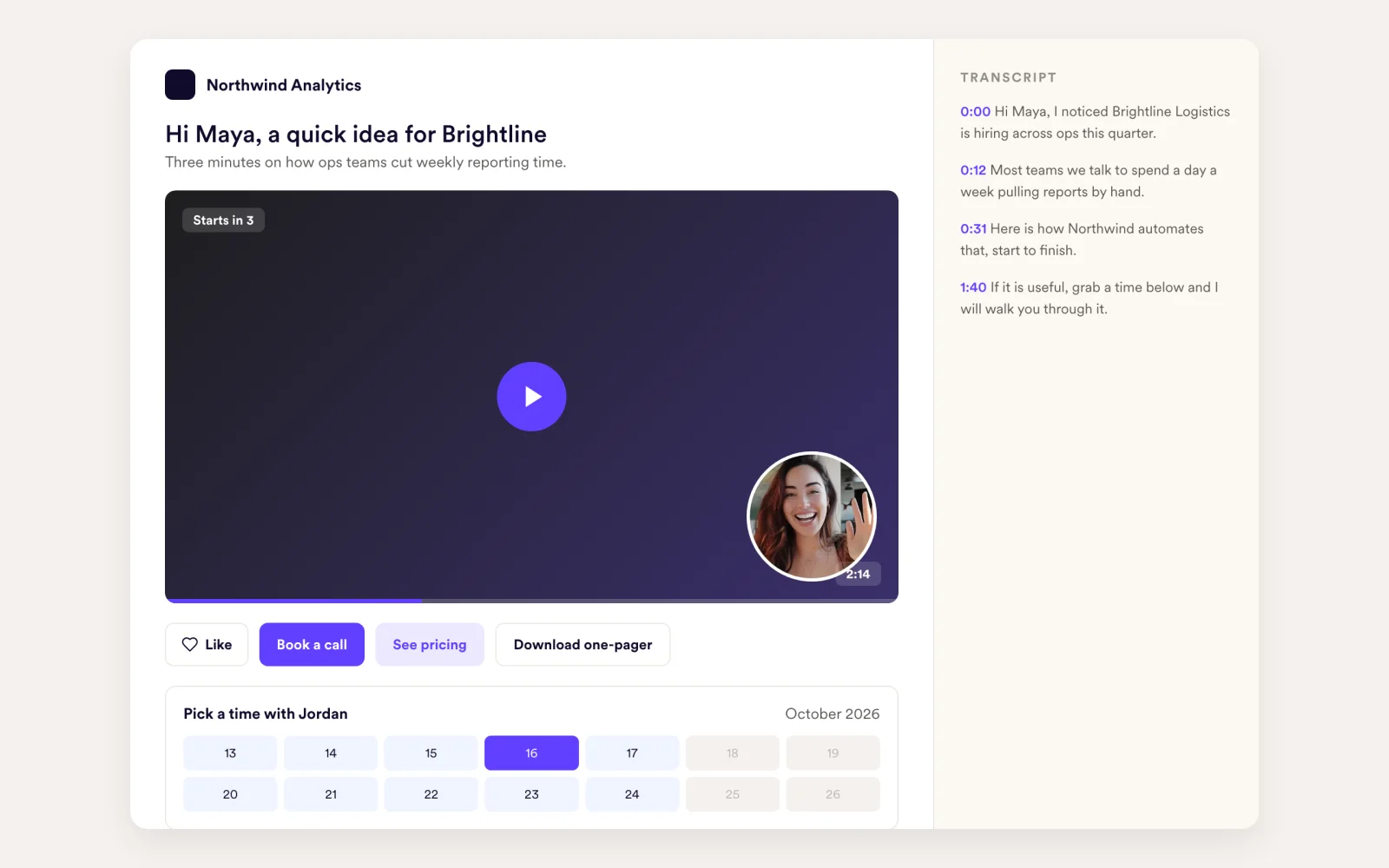
Auto captions are generated for every recording, with captions in other languages. Viewers get a transcript panel on the landing page, and you can download the transcript.
How it works
- 1
Install the recorder
Add the Chrome extension or download the desktop app for Mac or Windows.
- 2
Record
Choose screen, camera or both, turn on effects or the teleprompter, and press record.
- 3
Share
Trim if you need to, check the captions, then copy the link or insert the video into an email.
 Chrome extension
 Mac app
 Windows app
 Gmail
 LinkedIn
 HubSpot
 Outreach
 Salesforce
Goes well with
Frequently asked questions
Can I record my screen and camera at the same time?
Yes. Record your screen, your camera or both. The camera appears as a bubble over the screen recording.
What resolution does Sendspark record in?
Screen capture records up to 1080p.
Can I upload videos I recorded elsewhere?
Yes. Upload existing video files to your library and share them like any Sendspark video.
Can I edit a video after recording?
You can trim the start and end, cut several segments, and combine videos, such as adding an intro to any video.
Does Sendspark add captions?
Yes. Auto captions are generated, including captions in other languages. Viewers also get a transcript panel, and you can download the transcript.
Updated
Make your next outreach personal.
Record one video and let Sendspark do the rest.